
Level guidance
Practice is leveled, with a quick level check for placement guidance before your child settles into regular lessons.
LumaTutor guides your child through real passages and writing, one step at a time. You manage the account and see every session. Built to support your homeschool, not replace it.
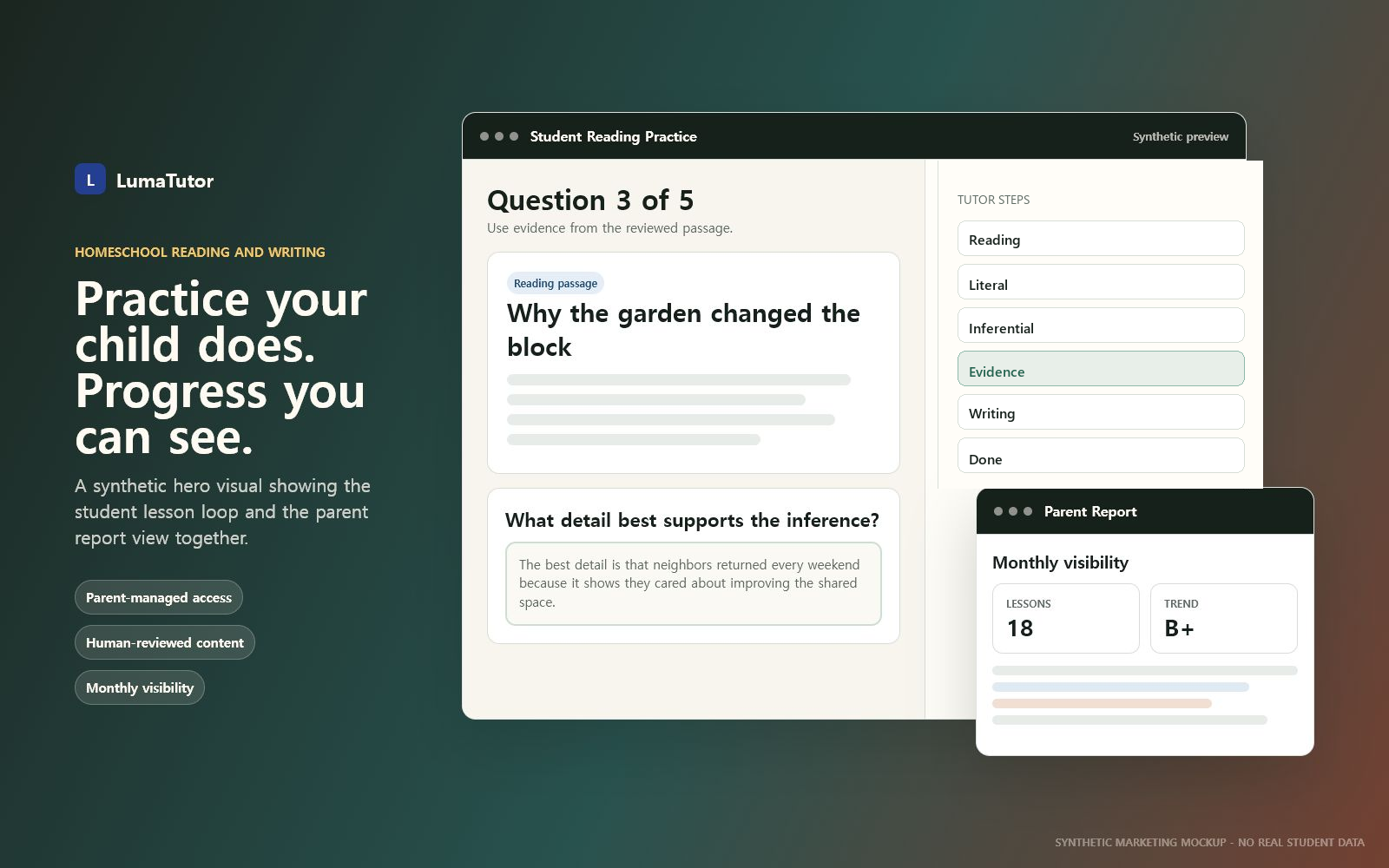
Homeschooling means wearing every hat. Reading closely and writing clearly need steady feedback that is hard to give while you are teaching everything else. LumaTutor supports a consistent weekly practice routine, so ELA stays covered.
Practice is leveled, with a quick level check for placement guidance before your child settles into regular lessons.
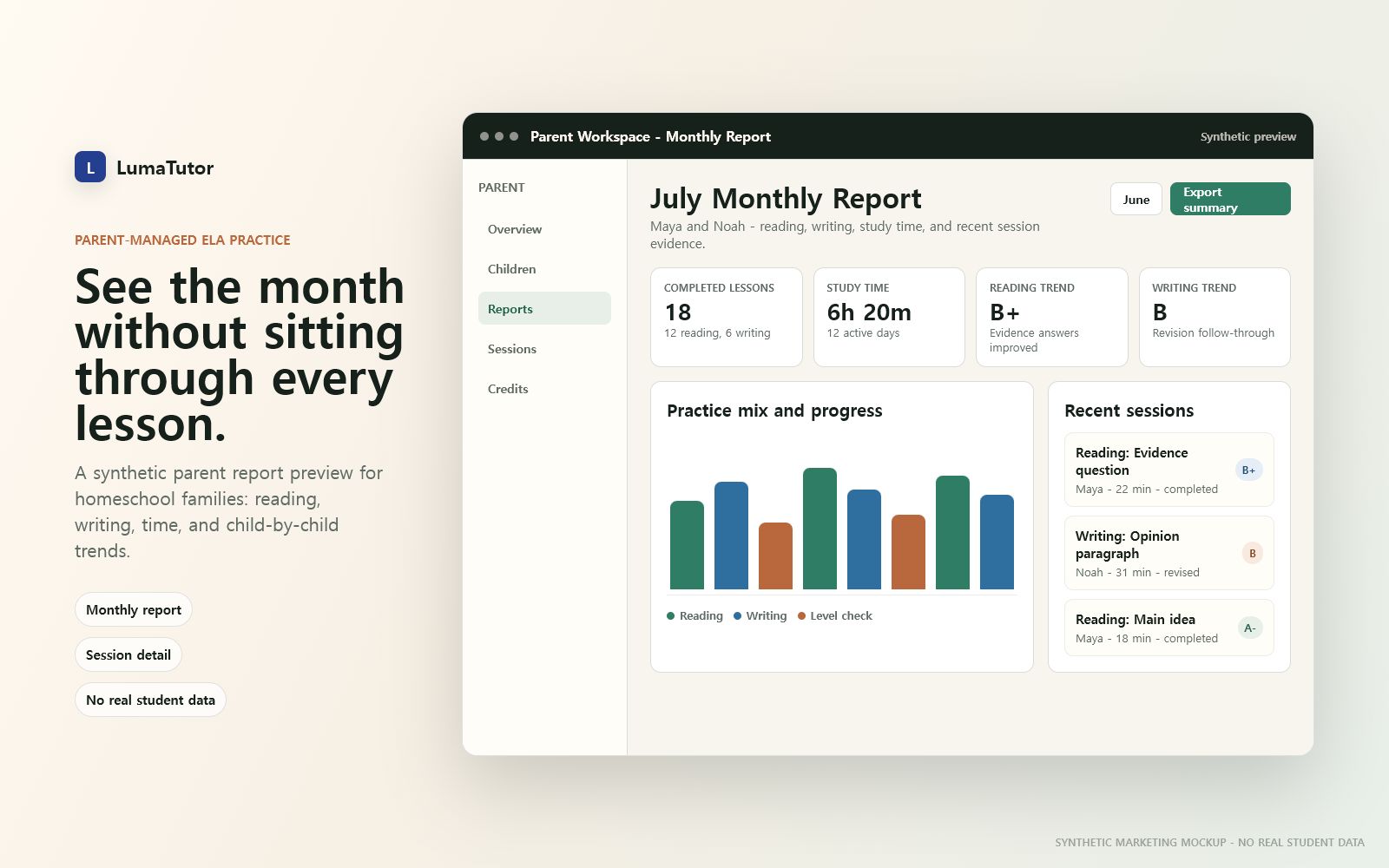
You get a clear monthly report of what your child practiced, how often they worked, and which trends need attention.
Passages and writing prompts are human-reviewed before they reach your child, so practice stays inside a parent-controlled environment.
Audio, highlighting, word help, and saved vocabulary help students stay with a real passage instead of guessing around it.
Questions build from literal understanding to inference to evidence, keeping the next move visible.
The tutor walks students from plan to draft to feedback to revision, so writing practice has a concrete path.
Your child reads, answers, revises, and keeps moving through a visible learning loop while you keep the account and progress under parent control.
Create parent account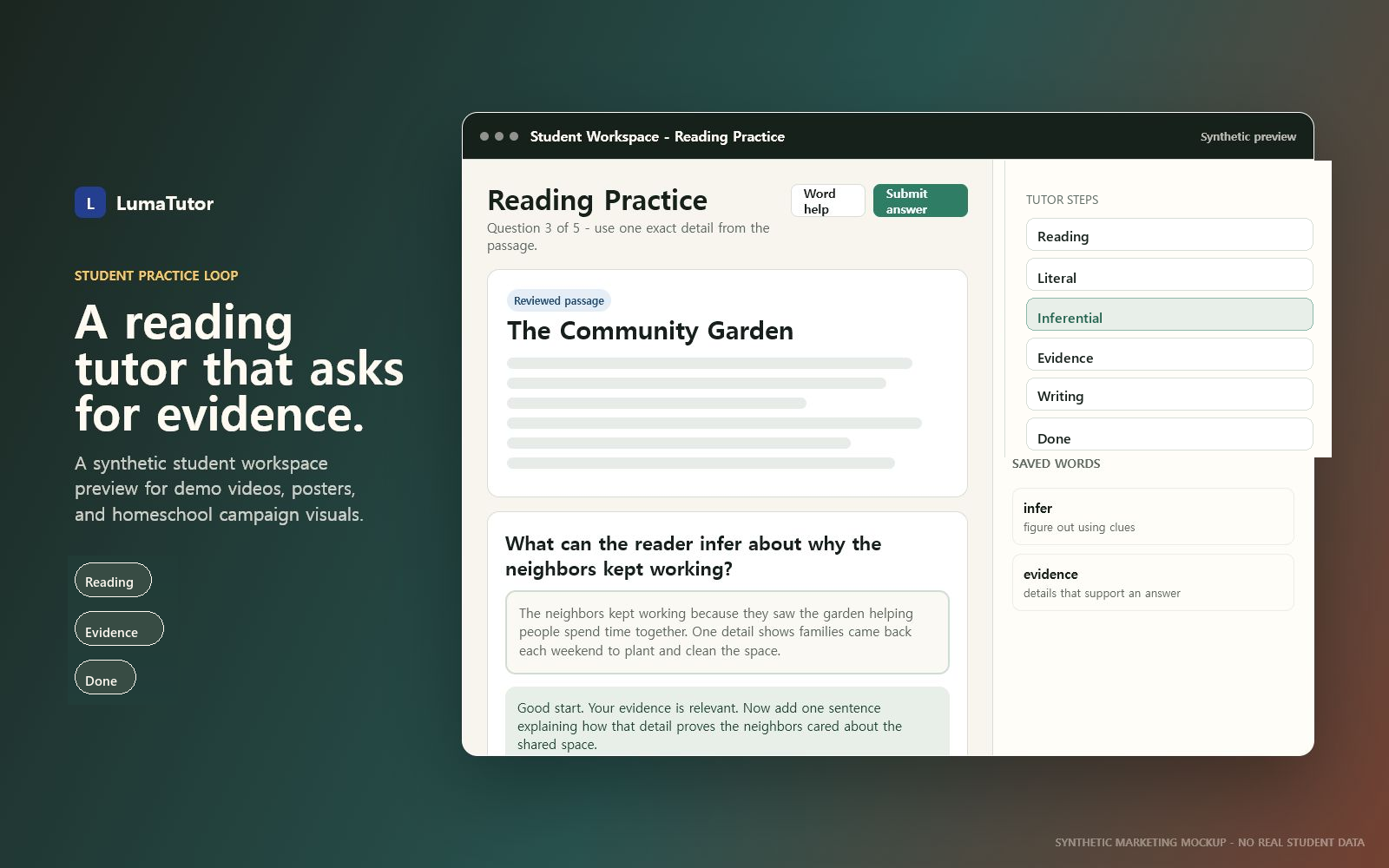
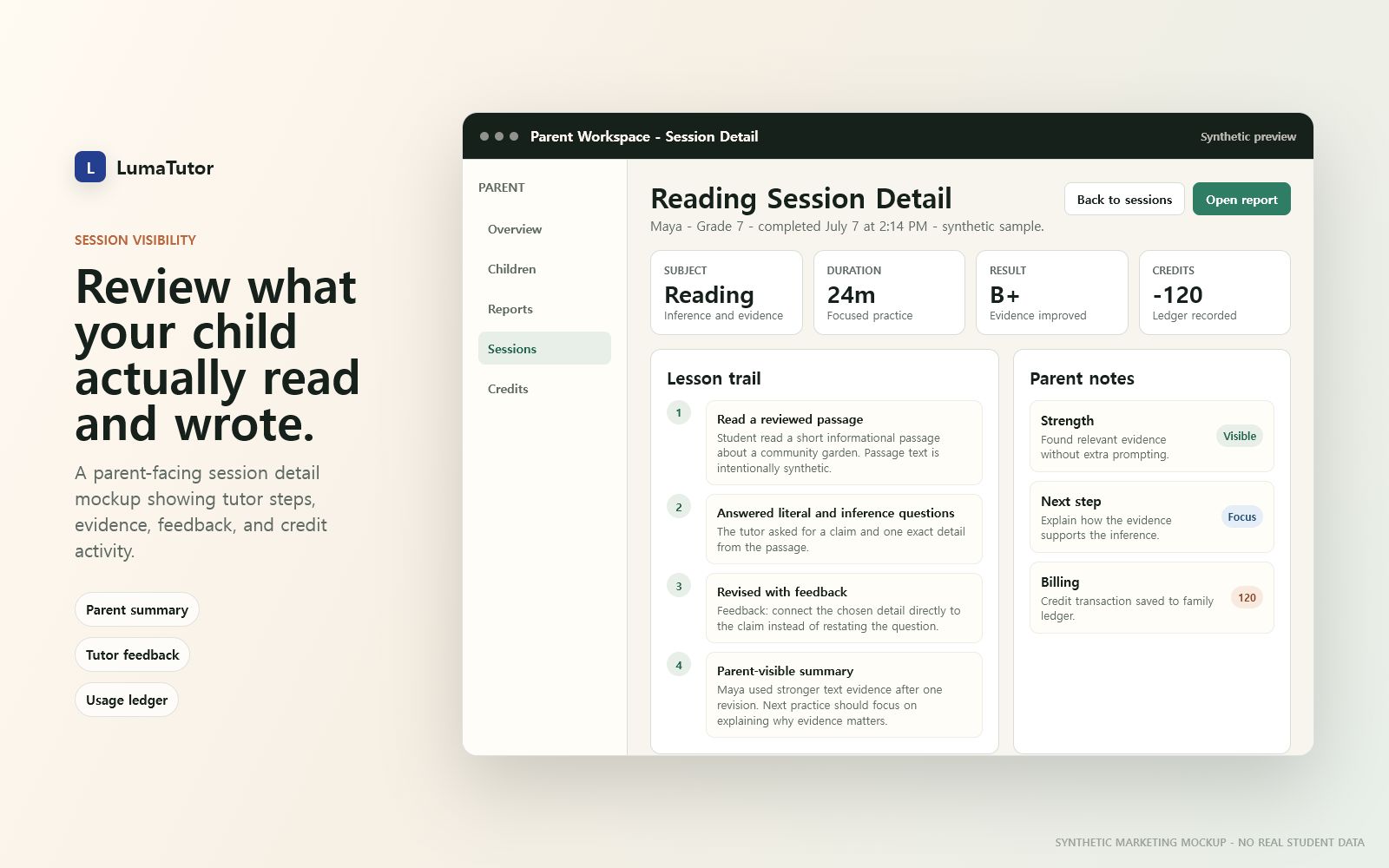
Most kids' apps leave parents guessing. LumaTutor is parent-managed: open the monthly report, review any session, and follow reading and writing trends child by child.
Private tutors often charge $40–60 an hour. With LumaTutor, guided reading and writing practice starts at about $2 per included session, depending on the plan.
Build a steady weekly routine without the cost of frequent private tutoring.
Student access, content review, billing, and policies stay visible through the parent account.
Children sign in with a code and PIN you create, not an independent public signup.
Passages and prompts are reviewed before students use them in reading or writing lessons.
Stripe checkout, customer portal access, credit history, and cancel or pause controls stay under the parent account.
Terms, Privacy, and Children's Privacy pages are linked for families before and after signup.
Set up the family account, add your child, fund practice, then review progress from the parent workspace.
Register as the parent and keep billing, access, and reports in one account.
Set grade, English level, goals, and the child login code and PIN.
Use a monthly plan or extra credits to fund reading and writing practice.
Use reports and session detail to see what your child read, wrote, and revised.
Set up your homeschooler in minutes, then review reports and sessions from your parent account.